WINWindows 推荐
Windows 便携版
大多数 Windows 用户选这个。 解压 zip 后直接运行 wispterm.exe,不需要安装器。
SHA256646b24916f2e81e6693994568a51fe9e3b396fc432e844c7a2c00bdf49883ae9
下载 ZIP开源 · WINDOWS / MACOS
最新版 v1.40.5 已发布WispTerm 把 SSH、分屏与标签页、文件浏览和预览、Agent 会话放在同一个桌面应用里。少切窗口,把注意力留给正在做的事。
智能下载
页面会识别 Windows 或 macOS,并优先展示最常用的安装包。浏览器无法可靠判断 Mac 芯片时,默认推荐 Apple Silicon。
正在识别当前设备…
为你的设备推荐
适用于 M1、M2、M3、M4 等 Apple 芯片 Mac,需要 macOS 13 或更新版本。
wispterm-macos-aarch64-v1.40.5.dmg下载
这里列出 v1.40.5 GitHub Release 中当前 Windows 和 macOS 的发布资产。页面直接展示 SHA256,方便下载后核对。
大多数 Windows 用户选这个。 解压 zip 后直接运行 wispterm.exe,不需要安装器。
常规 ZIP 无法正常运行时再选这个。 它仍然是便携包,适合作为 Windows 备用构建。
默认图形后端无法正常工作时选这个。 仍然是便携 ZIP,使用与默认包不同的备用渲染后端。
M1、M2、M3、M4 芯片 Mac 选这个。 需要 macOS 13 或更新版本;该 DMG 已签名并完成 Apple notarization。
只有 Intel 处理器 Mac 选这个。 需要 macOS 13 或更新版本;不确定时先看 macOS “关于本机”。
本次更新
下面整理本次版本最值得关注的新增与修复,内容来自官方 GitHub Release。
终端工作台
WispTerm 把终端模拟与实用侧栏结合起来,让远程会话、文件上下文、预览和 AI 编程过程始终围绕命令行展开。
使用 libghostty-vt 处理 VT 解析与终端状态,并结合原生字体发现和按字形 fallback。
支持横向/纵向分屏、标签栏、鼠标跟随焦点、空间焦点移动和等分面板。
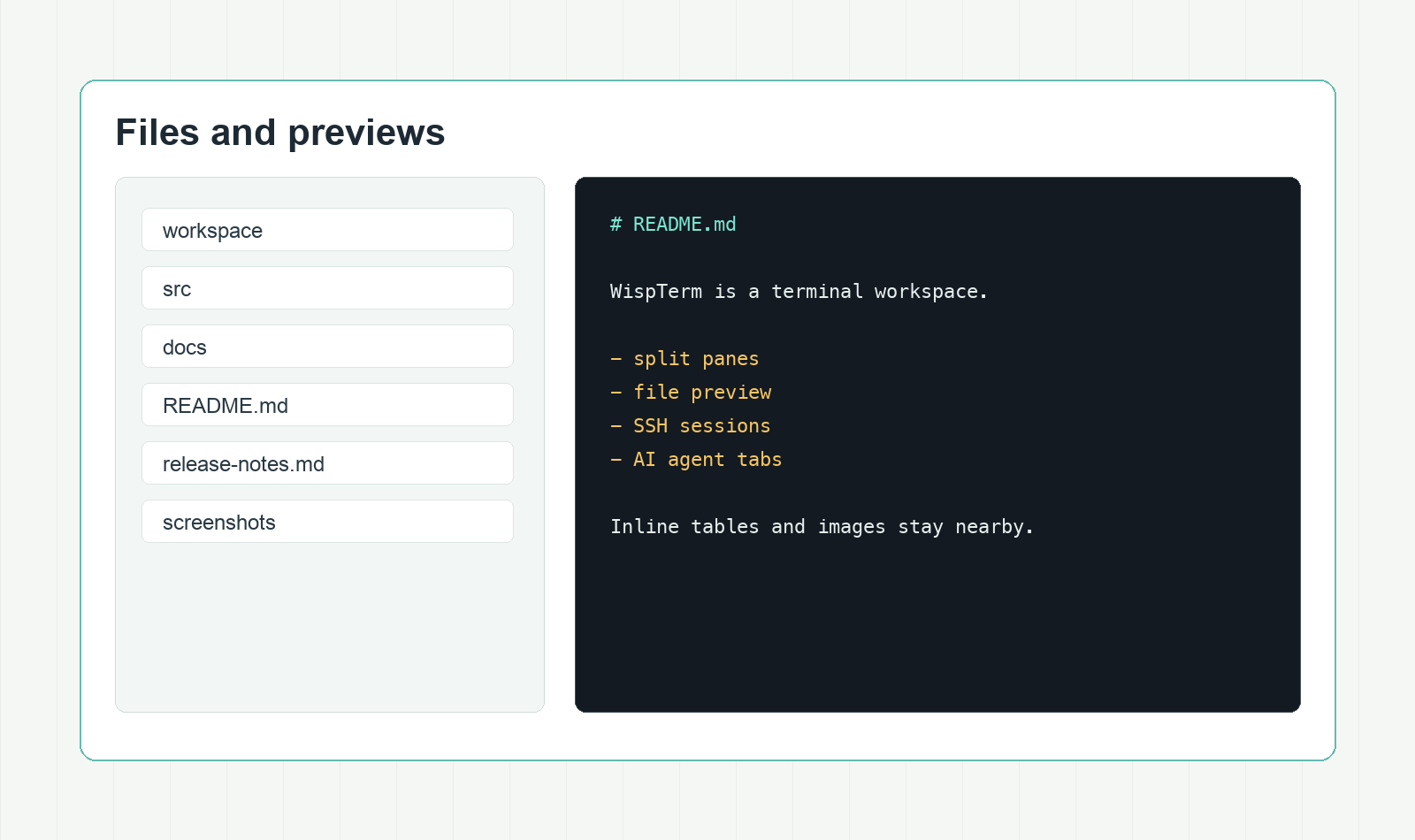
浏览本地和 SSH 文件,并预览 Markdown、文本、CSV、TSV 和图片,不必切到另一个应用。
启动 OpenAI-compatible agent 标签页,保留 shell 上下文、工具确认流程、历史记录和 Markdown 导出。
工作模式
文件检查、AI agent 控制、主题配置、浏览器预览与渲染细节,都放在同一个克制的工作台里。
把本地和 SSH 文件导航放在当前终端旁边,预览内容只隔一个面板。
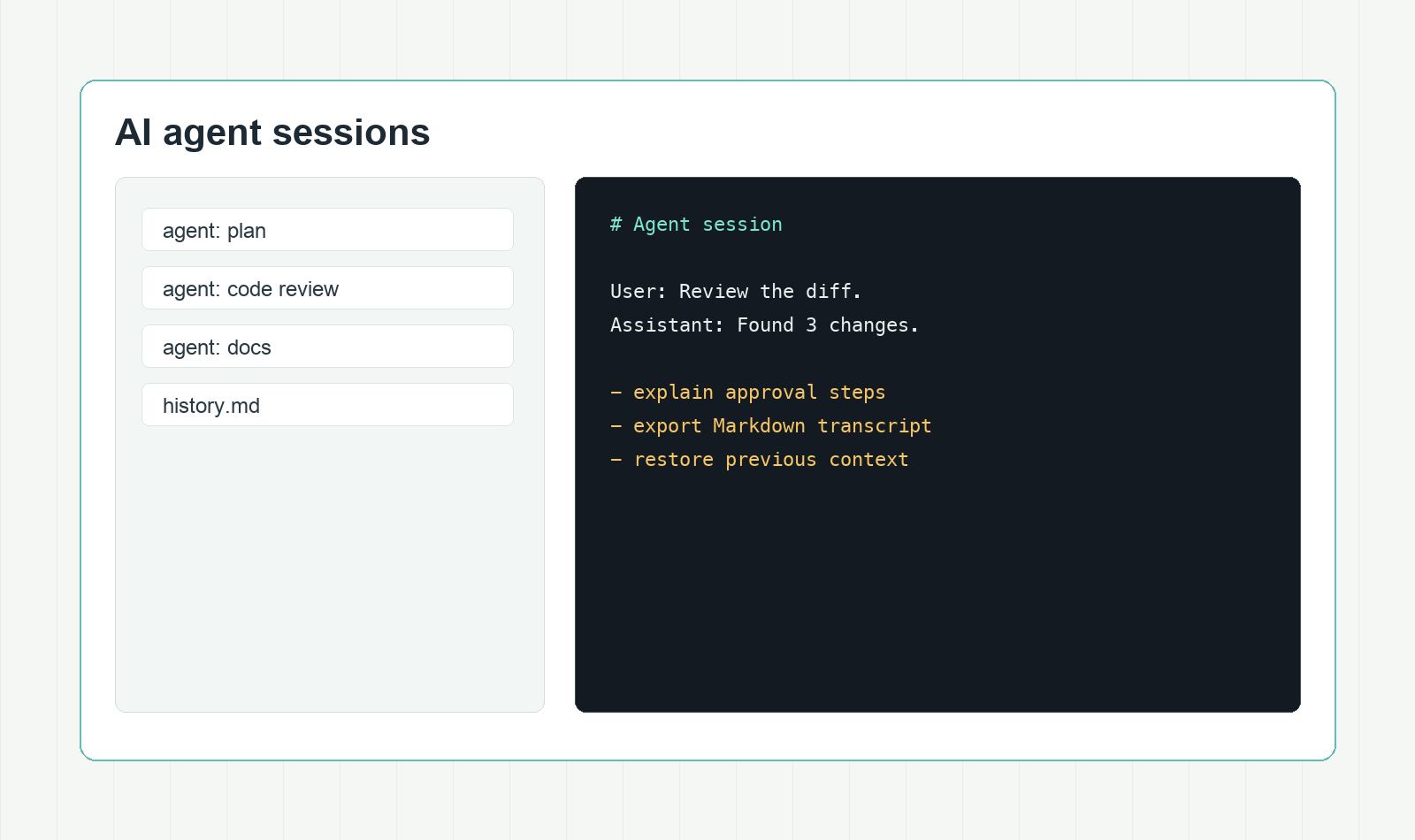
让 agent 对话贴着 shell 工作,保留确认流程、恢复历史,并导出记录。
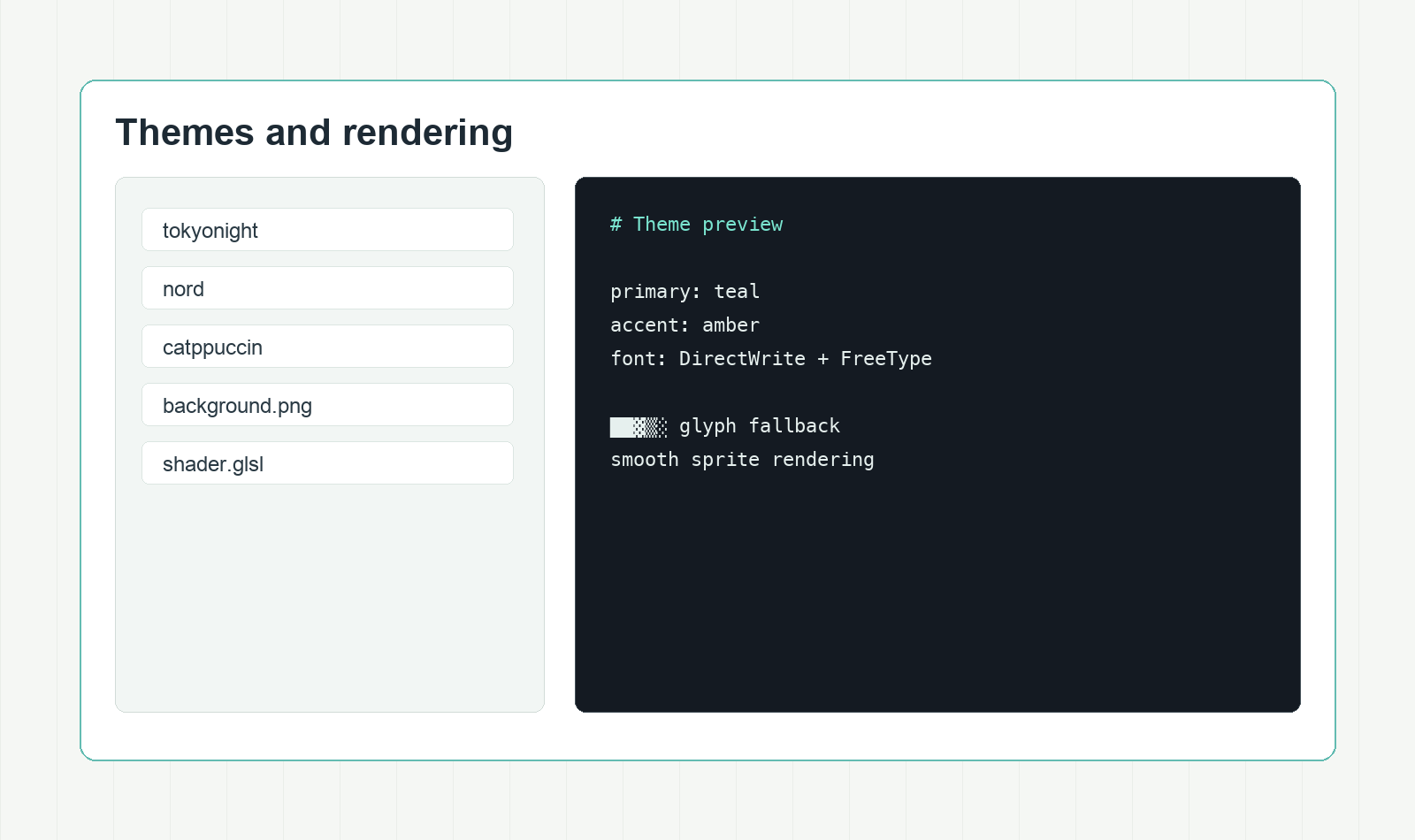
从 453 个内置主题开始,叠加背景图片,并用 shader 效果调整终端表面。
核心功能
WispTerm 关注终端作为主工作空间时真正影响效率的细节,而不是把它做成孤立的侧边工具。
Ghostty 兼容终端模拟,用于 VT 解析与终端状态。
DirectWrite 字体发现、FreeType 光栅化、按字形 fallback 和清晰终端符号。
分屏、标签侧栏、鼠标跟随焦点和等分面板。
在终端旁预览 Markdown、文本、CSV、TSV 和图片。
把 AI agent 会话放在 shell 旁边,支持确认流程、历史和 Markdown 导出。
使用内置 Ghostty-compatible 主题,默认主题为 Poimandres。
支持 PNG、JPG、BMP、GIF、TGA 背景,并按终端单元透明度混合。
Windows 上可在侧栏打开网页 URL,并支持 SSH loopback 转发。
通过辅助脚本在远程 shell 中显示内联图片和 PDF。
从应用内打开配置文件,保存后当前工作区即可应用,不必重启。
需要更强终端质感时,可使用 Ghostty-compatible GLSL 后处理效果。
让 box drawing、block、braille、powerline 等字形保持清晰。
常见问题
帮助你选择并核对发布包。
每个下载链接都指向 xuzhougeng/wispterm GitHub Releases 中 v1.40.5 的对应文件。
一般先选 Windows 便携版。常规 ZIP 无法正常运行时再选兼容包;遇到默认图形后端问题时可选图形回退包。
v1.40.5 发布说明写明 macOS DMG 均使用 Developer ID Application 证书签名,并完成 Apple notarization。macOS 包要求 macOS 13 或更新版本。
WispTerm 使用 Ghostty 风格的 key-value 配置文件。可以从应用内打开配置,保存后当前工作区会自动应用,不需要重启。
预览面板面向日常终端旁边常见的文件:Markdown、纯文本、CSV、TSV 和常见图片格式。
源码在 GitHub 的 xuzhougeng/wispterm 仓库。