
WS / GUIDE
Install and configure WispTerm
Follow Zhougeng Xu through downloading, installing, and completing the essential first-run setup for WispTerm.
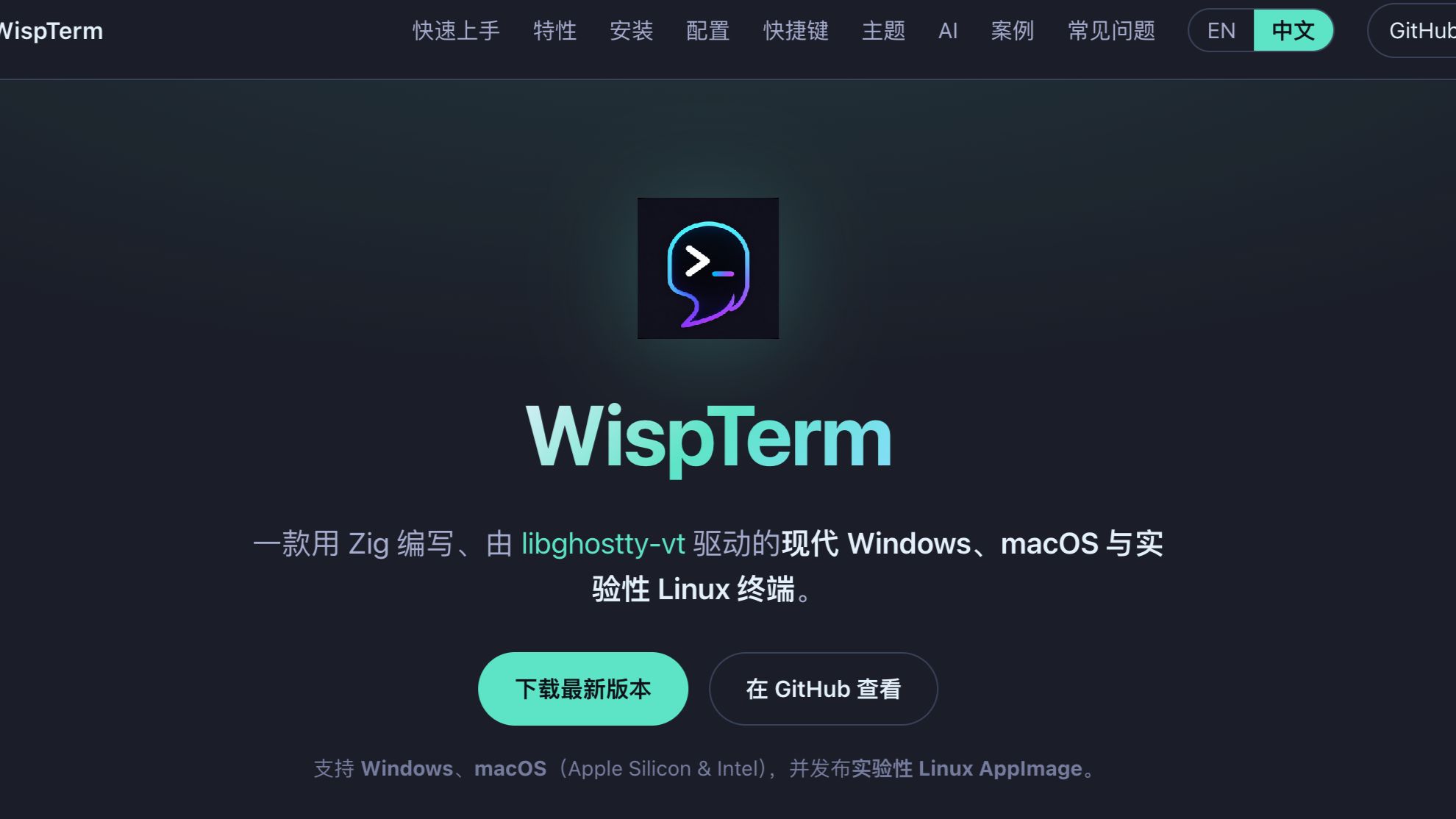
Original author: Zhougeng Xu
Source: https://www.bilibili.com/video/BV12Vjo6mEiA/
This page embeds the original Bilibili video and does not host a separate video file.
This Chinese-language walkthrough is a practical starting point for new WispTerm users. Follow along to install the app, complete the basic setup, and begin with a working local workspace.
If the embedded player is unavailable on your network, watch the original video on Bilibili.
Video details
- Presenter: Zhougeng Xu
- Duration: 12:18
- Language: Chinese
- Originally published: June 24, 2026
What you will complete
- Find the right Windows or macOS package on the official site.
- Install WispTerm and launch it for the first time.
- Review the essential settings before starting your first session.
Before you watch
- Use the download section for the current release. The older download address in the video description only reflects how the app was distributed when it was recorded.
- The video was recorded on June 24, 2026. Interface details may have changed, so use the current release notes for version-specific behavior.
- If your operating system blocks the first launch, review the signing and system-prompt notes in the download section instead of obtaining the installer from an unknown source.